Practical steps for presenting UI mockups that earn client approval, from layout clarity and annotations to visual framing and microcopy.
Streamline your workflow by connecting great copy with your favorite design tools. Explore plugins, APIs, and practical guides for using UI text in Figma, Sketch, Webflow, and more—so content and design stay in sync from start to finish.
Design Tools & Integrations

How to Test Microcopy in Interactive Prototypes
Testing microcopy is a process that provides insights into the effectiveness of text elements in interactive prototypes. It answers the question of whether the words …
Creating Component-Based Text Systems in Figma: A Practical Approach
Designers often face the challenge of managing consistent typography across various screens and projects. A component-based text system in Figma offers a solution by providing …
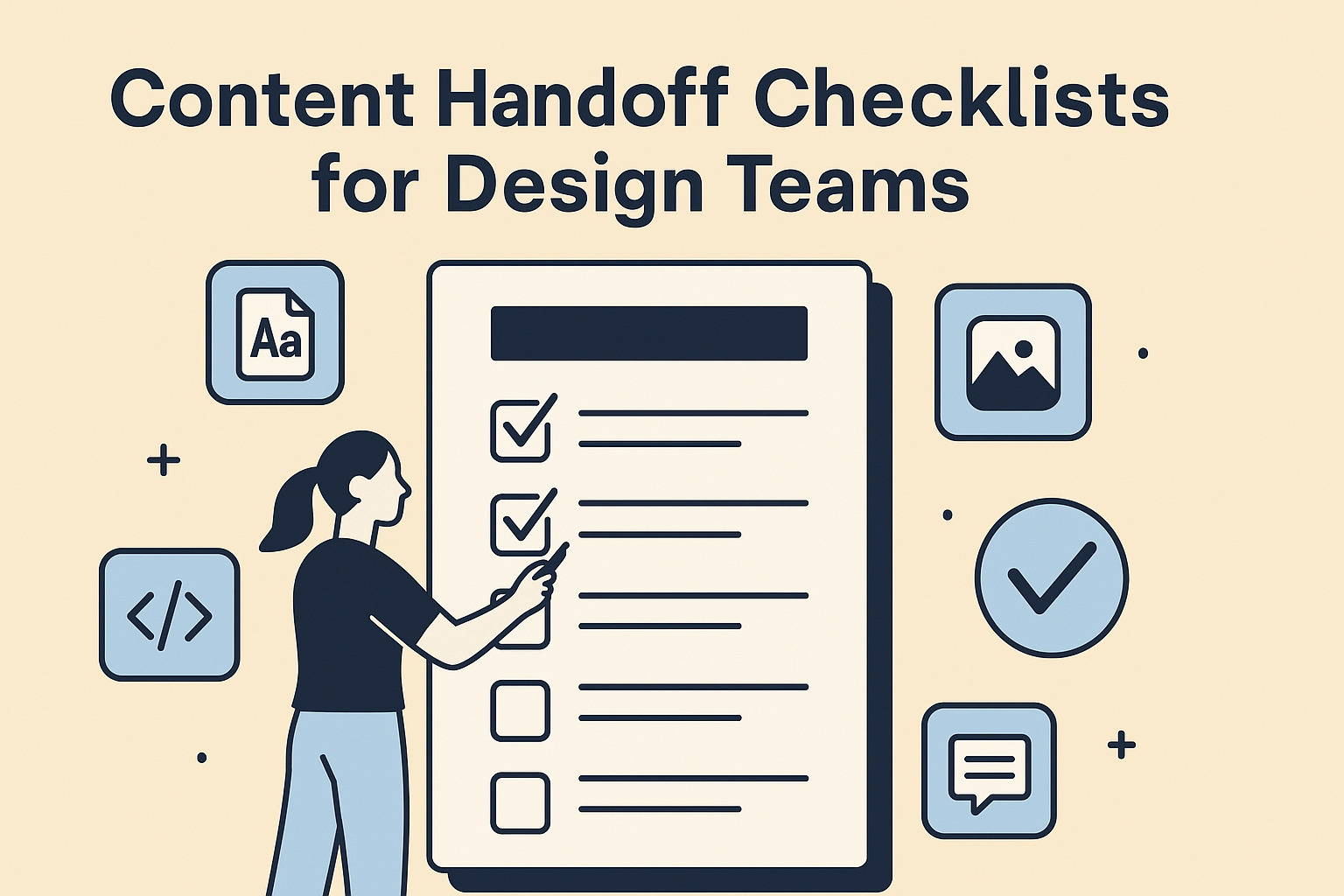
Content Handoff Checklists for Design Teams
A well-structured content handoff checklist bridges the gap between design and development, ensuring that every team member has the necessary details to move forward confidently. …