When to Use Emoji in UI Copy and How to Do It Right
Learn when to use emoji in interface copy, how to match tone, handle accessibility, and avoid cross-platform rendering surprises.
Get professionally written text templates for real UI components—buttons, forms, modals, tooltips, and more. Save time and write with clarity using ready-to-use microcopy tailored for user flows, empty states, error handling, and onboarding.
Learn when to use emoji in interface copy, how to match tone, handle accessibility, and avoid cross-platform rendering surprises.
Learn how UX writers can build a powerful microcopy reference library by extracting and tagging UI language from product video transcripts.

How to Create Consistent UI Microcopy – UIContent.co An engaging UI is about more than visuals; it is about words that guide the user with …

The moment someone decides to install your Android app, you are standing at the edge of a cliff. One tap sends them to the Play …

User onboarding is more than a brief welcome; it sets the tone for the entire experience. Clear guidance, engaging design, and thoughtful interactions ensure that …

Creating a unified brand experience across UI elements means ensuring that every visual component works together to communicate a clear message. This article explains how …

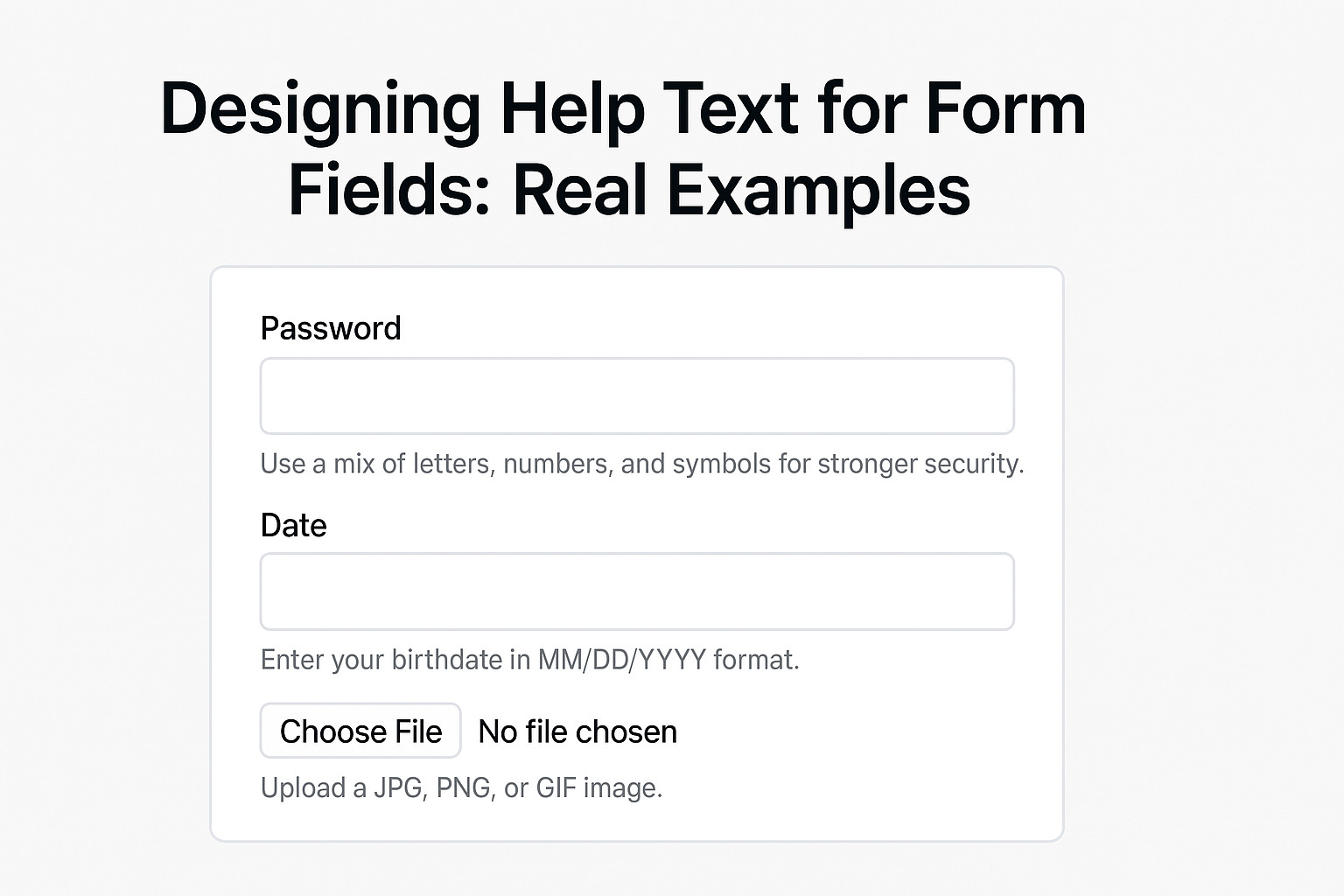
Designing help text for form fields is a fine art that blends clarity and subtle guidance. Clear help text reduces user errors and provides direction …

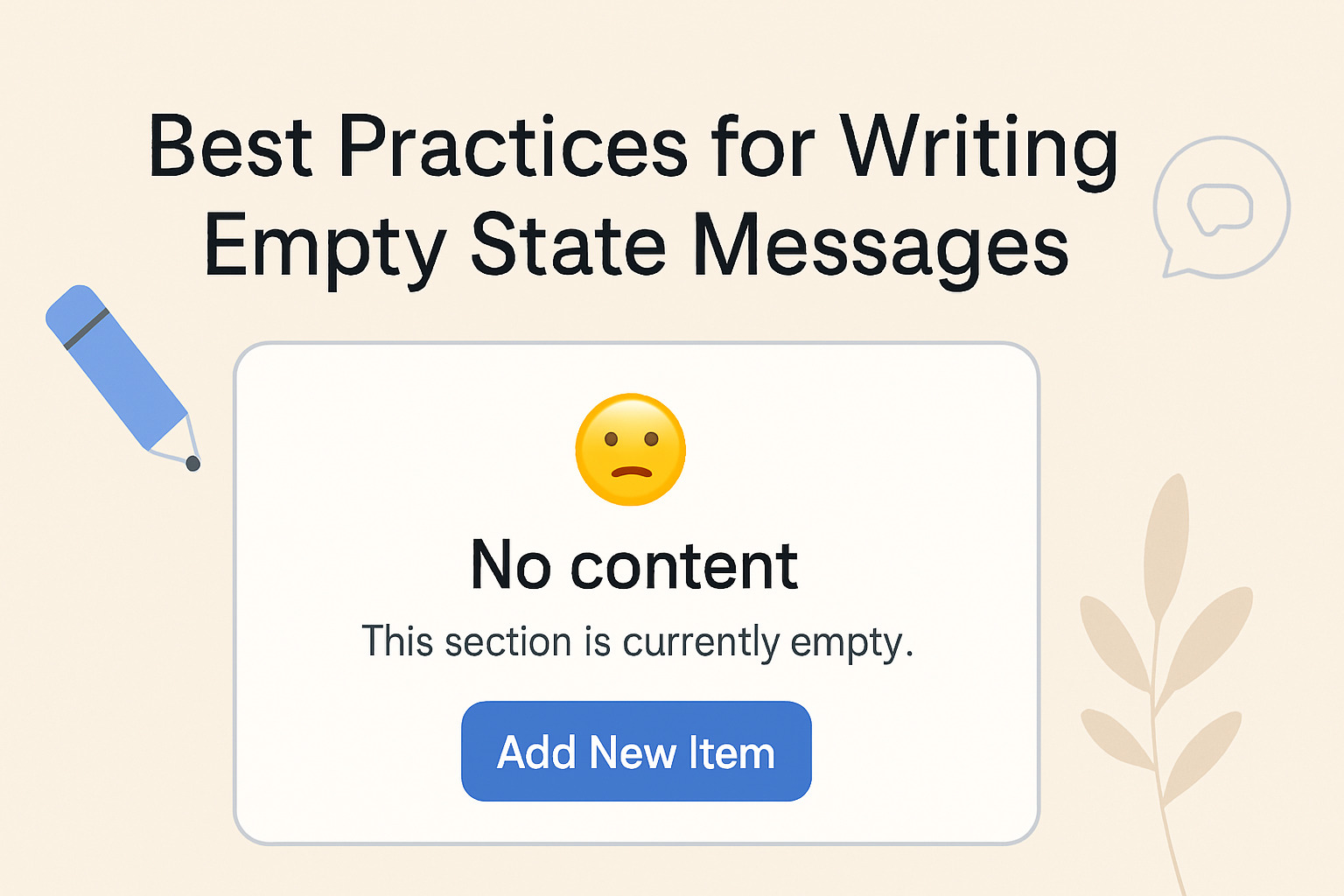
Empty state messages provide guidance when a user encounters a screen with no data. They serve to inform, direct, and reassure the user. This article …

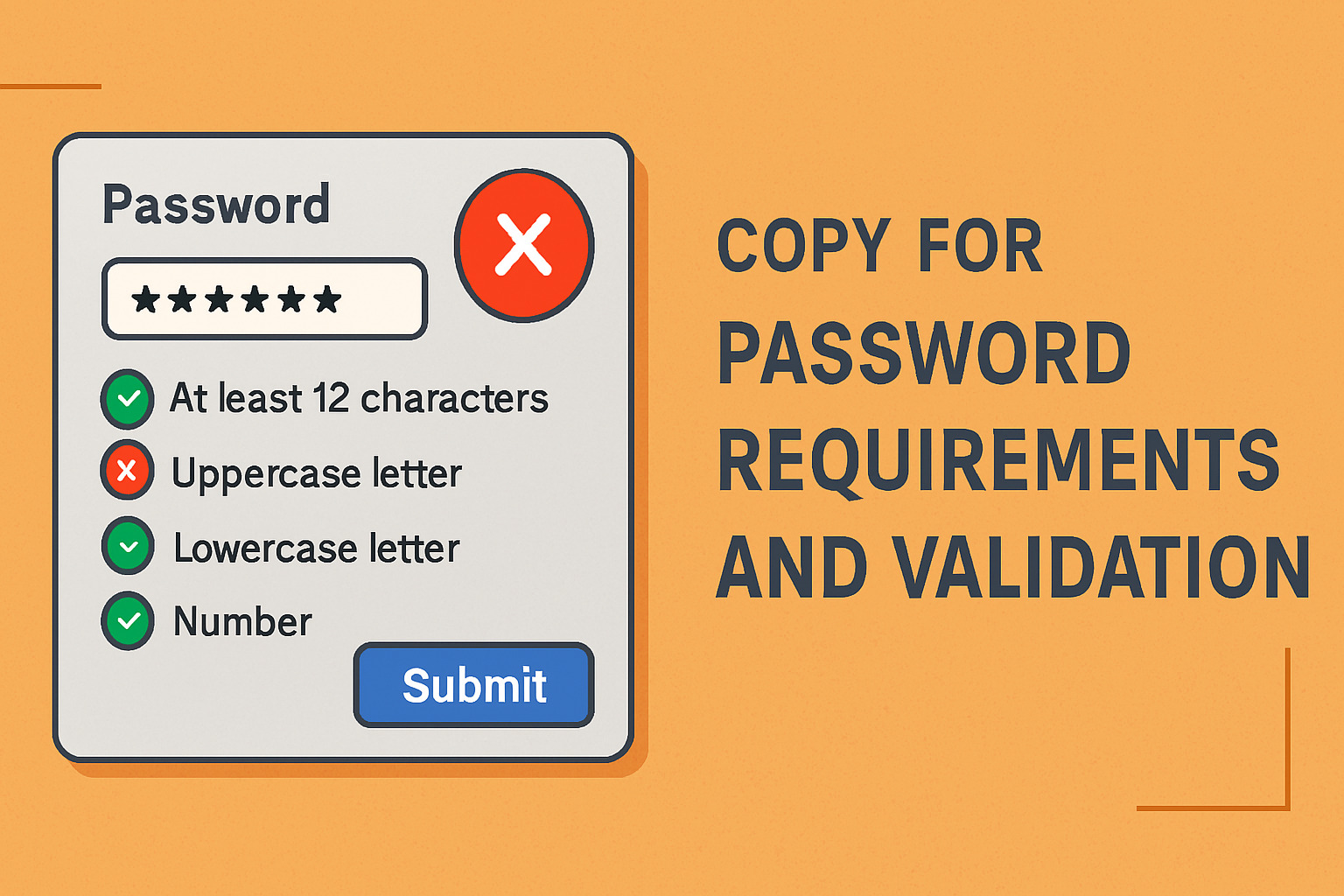
The increasing number of online accounts has raised the need for robust password systems that protect user data and maintain secure access. This article outlines …

A well-crafted checkout page speaks directly to customers, guiding them through the final purchase steps and reducing hesitation. The words on the checkout page play …