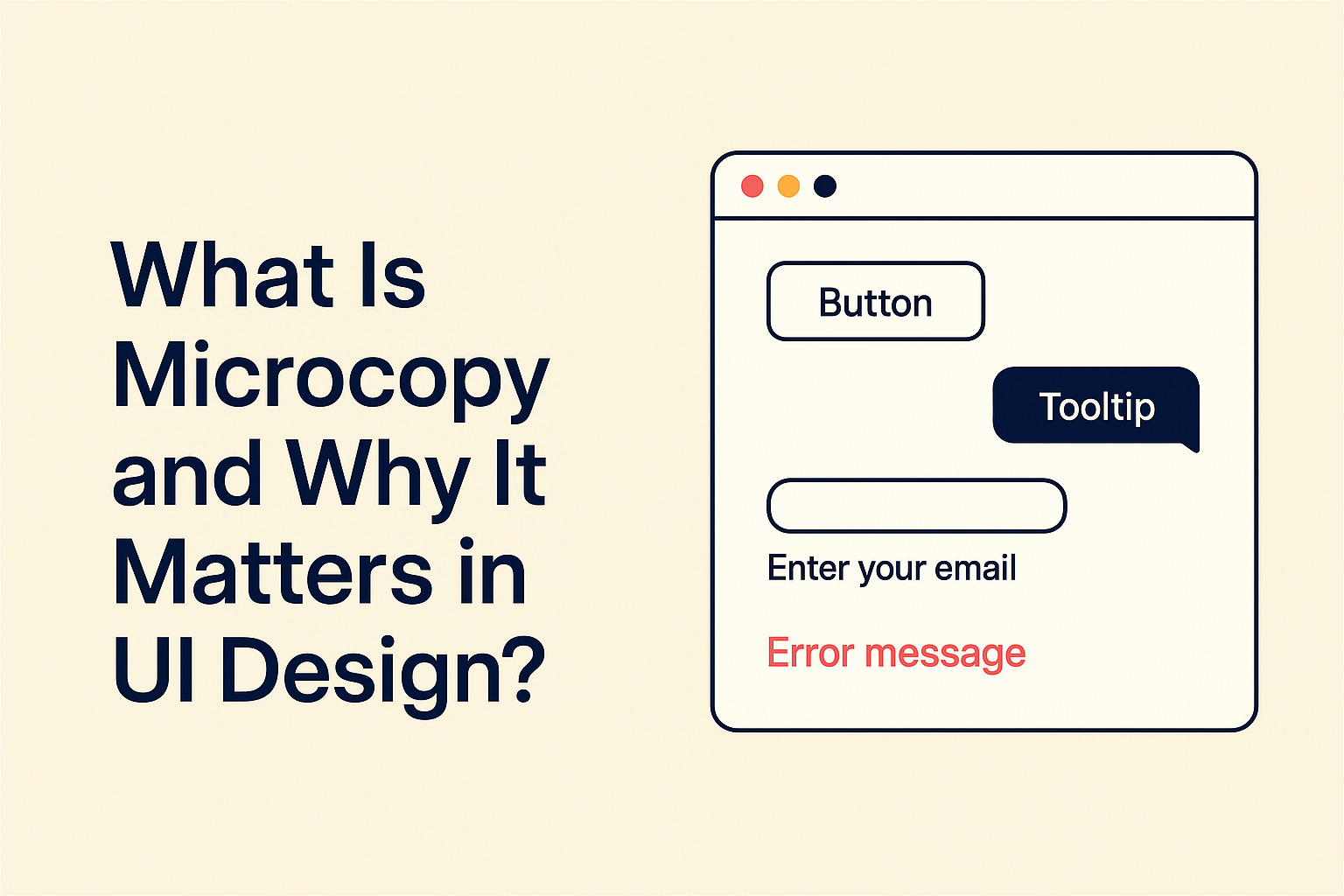
The second something starts moving on a screen, trust is on the line. A clock ticks. A countdown drops from 10 to 9. A status label shifts from “Connecting” to “Live.” Users are not just reading anymore. They are watching time pass. That shift changes how microcopy works. It must clarify what is happening right now, what will happen next, and how the user should interpret the change.
Real time UI components create urgency, anticipation, and sometimes anxiety. A simple digital clock widget embedded in a dashboard might seem neutral. Yet the words around it shape perception. Is it showing local time or server time? Is it synced automatically? Does it update every second? Microcopy answers those questions before confusion appears.
Writers often focus on buttons and forms. Live components deserve the same precision. In dynamic interfaces, small words carry heavy responsibility. They reduce doubt. They guide attention. They protect credibility.
Quick Summary
- Real time components increase cognitive load and require explicit context.
- Microcopy should clarify timing, data source, and user impact.
- Clocks, countdowns, and status indicators each demand different language strategies.
- Testing in motion is critical, static mockups are not enough.
Why Real Time Interfaces Change the Rules
Static text can be read at any pace. Real time components move forward whether the user is ready or not. That creates pressure. A countdown timer for a flash sale feels urgent. A live score feed feels exciting. A syncing indicator that spins too long feels broken.
Microcopy must absorb that pressure and translate it into clarity. A label such as “Sale ends in 02:14” works because it anchors the meaning of the countdown. Without that framing, the numbers float without context. Users may wonder what ends. Or whether the timer is accurate.
If you have read about what microcopy means in UI, you already know that clarity beats cleverness. In live environments, that principle intensifies. Precision is not optional. It is protective.
Three Types of Real Time Components
Not all dynamic elements behave the same. Each category requires different linguistic treatment. Treating them as identical leads to vague labels and frustrated users.
1. Live clocks and time displays
These show the current time, often in global contexts. Microcopy should clarify timezone and update behavior. A short line such as “Local time in Tokyo, updates automatically” removes doubt. If the time reflects server data, say it.
2. Countdowns and timers
These signal an ending or starting point. The copy must state what the timer controls. “Registration closes in 05:32” is stronger than “05:32 left.” The subject of the action should never be implied.
3. Status indicators
These shifts between states such as Online, Processing, Delivered. Each state needs language that reflects progress and expectation. Avoid vague labels like “Working.” Users deserve to know what is working and how long it may take.
Reduce Ambiguity in Time Based Copy
Ambiguity in static text is inconvenient. Ambiguity in moving text feels risky. If a countdown says “Offer expires soon,” the word soon has no measurable meaning. Replace it with a concrete duration. Replace anxiety with information.
Clarity also applies to time zones. A global product that displays “12:00 PM” without context forces users to guess. Is it their local time? Is it UTC? Is it the event host’s time? A short clarification line prevents support tickets later.
Design teams that care about component level consistency often reference systems thinking. The 3 I’s of microcopy framework from Nielsen Norman Group reinforces the need for explicit language in interactive elements. Real time components are no exception.
Write for Motion, Not Mockups
Many writers craft copy in static design files. The clock is frozen. The spinner does not spin. The countdown does not tick. In reality, users experience movement. Microcopy must be tested in motion.
A syncing message that reads “Syncing your data” might feel fine in Figma. In production, if the spinner runs for 20 seconds, frustration builds. Adding a line such as “This may take up to 30 seconds” sets expectations. Even better, show incremental progress if possible.
Teams that practice structured reviews, similar to methods described in testing microcopy in prototypes, are more likely to catch timing related confusion. Watching real users interact with live timers reveals gaps that static reviews miss.
Build Context Around the Numbers
Numbers alone are not communication. They are raw data. Microcopy turns them into meaning. A timer that shows “00:45” needs framing. Is that second remaining? Is it minutes until refresh. Is it time elapsed?
Effective contextual framing includes:
- Clear subject of the timer or clock
- Reference to timezone or data source
- Statement of automatic updates
- Instruction if user action is required
Consider a live auction page. Instead of placing a bold countdown with no explanation, pair it with “Bidding closes in” above the timer and “Highest bid updates in real time” below it. That surrounding language calms uncertainty.
Designing States for Status Indicators
Status indicators shift between multiple phases. Each phase must be intentional. Inconsistent tone or vague phrasing makes the system feel unstable.
Below is an example framework for writing status copy:
| State | User Facing Copy | Purpose |
|---|---|---|
| Connecting | Connecting to server | Clarifies target action |
| Processing | Processing your request | Shows ownership of task |
| Completed | Upload complete | Confirms successful result |
Notice that each line states what is happening and to what. No mystery verbs. No clever metaphors. Clarity creates confidence.
Calibrate Tone to Urgency
Real time components amplify emotional signals. A countdown for a limited seat webinar may intentionally heighten urgency. A medical dashboard displaying heart rate data requires calm authority. The tone of microcopy should reflect the stakes.
Urgent contexts benefit from direct verbs and clear outcomes. Calm contexts benefit from stable language and reassurance. In both cases, avoid exaggeration. Dramatic phrasing may create stress where none is needed.
Consistency across the interface also matters. If you have previously read about cohesive brand voice in UI, apply the same discipline here. A playful tone in static sections should not suddenly become robotic in live components.
Accessibility in Time Based Interfaces
Real time elements can create barriers for users with cognitive or visual challenges. Fast moving countdowns may be difficult to process. Microcopy can support accessibility by explaining controls and offering alternatives.
Provide pause options when appropriate. Clarify if the timer resets automatically. Avoid flashing language or alarming words that may cause distress. Accessibility is not an afterthought. It is part of responsible writing.
Time based interfaces also benefit from clear contrast and readable formatting. Text should not rely solely on color to indicate state. Words must carry meaning independently.
Testing Under Pressure
Usability testing for real time components should simulate real conditions. Test during peak traffic. Test with slow connections. Observe how users react when timers reach zero. Watch their faces when a status label stalls.
Collect feedback on clarity. Ask participants what they believed the timer represented. If answers vary, the microcopy is incomplete.
Iteration is expected. Real time systems are complex. Language must evolve with product behavior. Treat each update as a chance to refine clarity.
Crafting Confidence Through Small Words
Real time UI components are subtle trust builders. A clear timezone label. A precise countdown description. A status update that reflects real progress. These details accumulate into reliability.
Strong microcopy for dynamic elements does not draw attention to itself. It supports understanding quietly. Users feel oriented rather than confused. They feel informed rather than rushed.
Writing for moving interfaces demands discipline. It requires testing in motion. It requires context around numbers. It requires a tone that matches urgency. Done well, it turns ticking seconds into moments of clarity instead of doubt.
Where Timing and Language Meet
Time moves whether users notice or not. Interfaces that surface time place that movement in the spotlight. The writer’s role is to frame it carefully. Clear microcopy transforms clocks, countdowns, and status indicators into reliable guides.
Numbers update. States shift. Sessions expire. Through all of it, words anchor meaning. In real time environments, that anchor keeps users steady.