A Practical Workflow for Writing Microcopy With Your Design Team
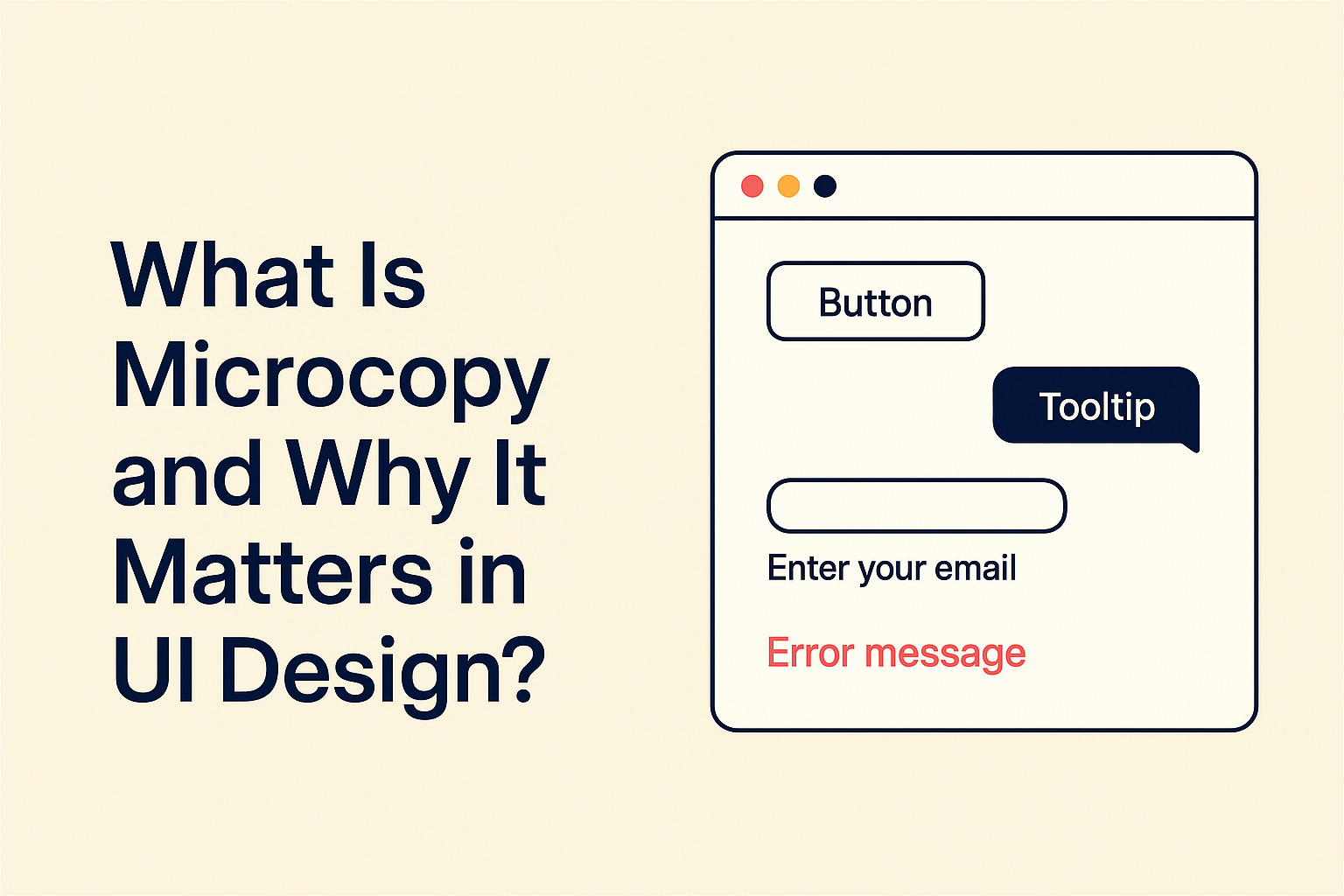
Button labels written at midnight before a product launch. Error messages copy-pasted from a Jira ticket. Placeholder text that reads “Enter text here” because no one had time to think of anything better. If that sounds familiar, the problem is not that your team does not care about copy. The problem is that copy was never built into the process in the first place.
The Core Idea
When UX writers join a design project at the wireframe stage, the whole team saves time and avoids painful rewrites before launch. Copy stops being an afterthought and starts shaping the product itself. This article walks through each stage of a shared microcopy workflow, from tone alignment before a single button is labeled, all the way to a handoff checklist that gives developers exactly what they need.
When Copy Gets Dropped in Late, Everyone Loses
Most teams fall into the same pattern. Design happens first. Copy happens last. By the time a UX writer receives a Figma link, the layouts are nearly locked. There is no room to question whether a three-word button label makes sense for the user, or whether an error message should explain the cause or just the fix.
The result is copy that fits the available space but misses the user entirely. Because everyone is rushing to ship, no one has time to revisit the words. They go out as-is, carrying all the assumptions and shortcuts made under pressure.
This is not a failure of effort. It is a failure of timing. Writers and designers working side by side, from the beginning of a project, produce better outcomes for users. Teams that treat UX writing as part of the design process, rather than a finishing step, produce more consistent and usable interfaces. The gap between design decisions and copy decisions is exactly where confusion slips through to users. Closing that gap is the entire point of building a shared workflow.
Starting With Wireframes, Not Final Screens
The best time for a UX writer to join a project is at the wireframe stage. Screens are still rough. Decisions have not hardened. That is precisely when copy should enter the conversation, because that is when copy can still change things.
At this stage, a writer’s job is not to produce final copy. It is to ask the questions that shape the product itself. What is the user trying to accomplish here? What do they need to know before they take this action? What happens if they make a mistake? What should they feel at the end of this flow?
These questions influence layout, not just labels. A confirmation screen might need more visual space if the action is irreversible. An onboarding flow might need to be split into shorter steps because the copy for a single step is already too long to present without overwhelming the user. Copy constraints and design constraints are the same constraints. Discovering that early saves everyone time.
Bringing copy in at the wireframe stage means writers and designers are solving the same problems together, not handing off separate deliverables at the end and hoping they align.
Running a Tone Alignment Session Before Writing Begins
Before anyone writes a word of actual microcopy, the team needs to agree on how the product sounds. A tone alignment session is where that happens.
It does not need to be long. An hour with a designer, a writer, and a product manager can produce a lot of clarity. The goal is to answer a few specific questions together, as a group. Is this product formal or casual? Direct or gentle? Does it use “you” or something more neutral? How does it handle errors: apologetically, matter-of-factly, or somewhere in between?
Without this conversation, every person who writes copy makes different assumptions. The onboarding flow might sound warm and encouraging, while the error states sound robotic and distant. Users notice this inconsistency even when they cannot name it. It feels off. It erodes trust in small, compounding ways.
A tone alignment session produces a short reference document. Not a lengthy brand guide nobody reads. Just a single page of decisions the team can check copy against during reviews. Keep it close. Use it often.
Copy Reviews in Low-Fidelity Stages
Once wireframes are in progress, the team should start running copy reviews. These are not about perfecting the words. They are about catching structural problems while they are still cheap to fix.
At the low-fidelity stage, a copy review looks at the decisions that are hardest to change later:
- Does the button label describe the action or the outcome the user cares about?
- Is the page title actually a title, or just a label slapped on top of the page?
- Does the empty state explain what the user should do next?
- Are error messages specific enough to help, or vague enough to frustrate?
- Is the hierarchy of information correct, or is the most important sentence buried at the bottom?
These reviews work best as short conversations rather than async comment threads. A fifteen-minute call where a writer and designer look at screens together is faster and more productive than two days of back-and-forth in comments, where context gets lost and decisions stall.
The key is treating copy reviews as a normal part of the design cycle. Not an extra step. Not optional. A regular checkpoint that protects the quality of the final product.
Tooling That Keeps Writers and Designers in the Same Space
Good collaboration needs a shared space to live in. When writers draft copy in a separate document and designers work in Figma, there is always a sync problem waiting to happen. Someone updates the document and forgets to update the mockup. A designer tweaks a label in Figma without checking the agreed copy. The two sources drift apart, and nobody catches it until handoff, when it is painful and expensive to fix.
The answer is to work somewhere that both things happen together. Teams using collaborative writing tools can draft and iterate on UI copy alongside mockups, rather than in isolated documents that need manual syncing. Writers can propose copy, comment in context, and flag changes, all in one place that everyone on the team can access.
The goal is not any particular tool. The goal is removing the gap between where copy lives and where design decisions get made. The closer those two things are, the less copy falls through the cracks on the way to launch.
The Handoff Checklist That Prevents Last-Minute Rewrites
Handoff is where microcopy problems tend to surface in the most painful way. A developer is implementing a screen and notices that the error state has no message. Or the button label does not account for a loading state. Or the success message references a feature name that was changed three sprints ago and nobody updated the copy to match.
A handoff checklist prevents this. It is not a long document. It is a short set of checks that a writer and designer run through together before a screen moves to development.
The checklist should cover the states and conditions that designs most often skip: empty states, loading states, error states, and success messages. It should confirm that all interactive elements have clear labels, all decorative icons have accessible text equivalents, and all variable content has copy that accounts for both short and long values without breaking the layout.
Published accessibility standards make clear that informative text, like button labels and error messages, needs to be meaningful to screen reader users, not only to sighted users. A handoff checklist is a natural place to build that check in, rather than catching accessibility gaps as a post-development audit when changes are costly.
Running this checklist takes around twenty minutes. Skipping it costs far more than that in developer questions, Slack threads, and copy fixes that have to happen in staging.
Making the Process Stick Across the Whole Team
The workflow described here only works if it becomes a team habit. And habits require structure to survive beyond the first sprint.
That means adding copy review to the design team’s regular sprint process, not treating it as optional when time gets tight. It means scheduling tone alignment sessions at the start of every new product area, not only for brand-new products. It means keeping the handoff checklist somewhere everyone can find it, not buried in one person’s personal notes.
It also means making room for writers to push back on decisions. Microcopy decisions are real product decisions. A UX writer who says “this button label does not match the user’s mental model of what this action does” is doing exactly what they are supposed to do. Designers and product managers need to treat that input the same way they would treat feedback on layout or user flow: as a signal worth taking seriously.
When copy is treated as a craft rather than a task, the whole product gets better. Users notice, even if they cannot articulate why. Fewer people abandon forms mid-fill because an error message failed to help them understand what went wrong. Fewer users feel talked down to by onboarding copy that assumes they know nothing. Small words, chosen carefully, do real work.
From Rushed Labels to a Writing Practice the Team Owns
Microcopy done well is invisible. Users do not notice a well-worded error message because it is well-worded. They just fix their mistake and move on. That is the goal: copy that works so naturally that nobody stops to think about it.
Getting there is not about finding a better writer or spending more hours on copy the night before a launch. It is about changing where copy enters the process and who is in the room when product decisions are made.
Start at the wireframe stage. Run a tone session before words get drafted. Build copy reviews into the design cycle. Use shared tools so nothing lives in isolation. Run the handoff checklist before anything moves to development.
None of these steps require a process overhaul. Each one is straightforward to begin. Together, they transform microcopy from a last-minute scramble into a craft the whole team takes pride in, and users benefit from every time they interact with the product.