Building a Microcopy Reference Library from Product Video Transcripts
Building a Microcopy Reference Library from Product Video Transcripts
The best microcopy you will ever write is probably sitting in a YouTube video right now, waiting to be found. Product teams obsess over their UI language. They test it, refine it, and ship it into walkthroughs and onboarding demos viewed by thousands of real users. That language is public. It is searchable. And with a bit of structure, it becomes one of the most useful research inputs a UX writer can have. Most UX writers skip this step entirely. That is a missed opportunity worth fixing.
Before You Write a Single Word
Studying UI language in the wild beats guessing what words work. Product videos from established tools are packed with tested microcopy, real button labels, helper text, and confirmation messages that survived user scrutiny. This method takes that raw material and turns it into a structured library you can reference whenever you are naming a feature, writing an empty state, or trying to nail a brand voice across a new design system.
Why Product Videos Are Underused Research Material
Most UX research focuses on your own product. User interviews, usability tests, heatmaps. All of that is valuable, but it keeps your attention inside your own walls. Product walkthroughs from other tools show you language that already went through someone else’s design review, copywriting pass, and user testing cycle. The words that made it into those videos survived a process. They are not random. They represent intentional choices about clarity, tone, and user trust.
Tutorial series are especially rich. A company creating a ten-part onboarding series is investing heavily in how they explain their product to a new user. Every label they mention, every action they describe, every piece of helper text they read aloud or show on screen has been considered. That is the kind of language worth studying. You are not borrowing their words. You are learning from their decisions.
This kind of lateral research is common in other disciplines. Copywriters study ads. Industrial designers study competing products. UX writers should be doing the same with the software people use every day, and product video content is one of the richest sources available.
Getting the Text Out of the Video
Watching hours of product walkthroughs and typing out examples by hand is not a research method. It is a punishment. The good news is you do not have to do it that way.
Most YouTube walkthroughs and Vimeo tutorials have subtitle files attached. These files contain timestamped transcripts of everything said or shown as text on screen. Grabbing them is the fastest way to get raw material you can actually work with. A subtitle downloader lets you pull those files from a video URL in seconds, giving you a plain text document you can search, copy from, and start tagging right away. This step removes the friction from the research phase and lets you spend your time on analysis instead of manual transcription.
From there, paste the transcript text into whatever note-taking or database tool you prefer. Notion, Airtable, a plain markdown file. The format matters less than the habit. The point is getting the text into a place where you can add structure to it. Raw text sitting in a downloads folder helps no one. Tagged and categorised text inside a searchable system becomes a genuine asset.
Tagging What You Find
Raw transcript text is just words. The library only starts working once you tag what you have found.
Think about the categories that matter to your day-to-day work. Onboarding messages are one obvious bucket. Empty states are another. Confirmation dialogs, error messages, tooltip text, feature announcements, upgrade prompts. Pick the categories that match the types of writing you do most often, and stick to them. Consistency in how you tag makes the library searchable later. You want to be able to type “error message” and surface twenty real-world examples in seconds, not hunt through a pile of unstructured notes.
Within each category, note the pattern. An onboarding tooltip that starts with an action verb reads differently from one that opens with a feature name. Both might work, but knowing which pattern a given company chose, and seeing that choice alongside five other examples from five other products, gives you something much more useful than a hunch. It gives you data. Small data, but real data that came from shipped products in front of real users.
Tag the tone as well. Some products use a warm, encouraging voice in their error messages. Others stay clipped and direct. Neither is wrong, but the contrast is worth documenting. When you are trying to calibrate a brand voice or convince a stakeholder that a conversational tone is defensible, having real-world comparisons makes the argument much easier to land.
Patterns Worth Studying in Onboarding and Tutorial Language
Onboarding language is where companies make their biggest bets on user understanding. If a concept is confusing, the onboarding copy has to do the heavy lifting. That pressure produces some genuinely instructive writing, and some genuinely instructive failures. Both are worth collecting.
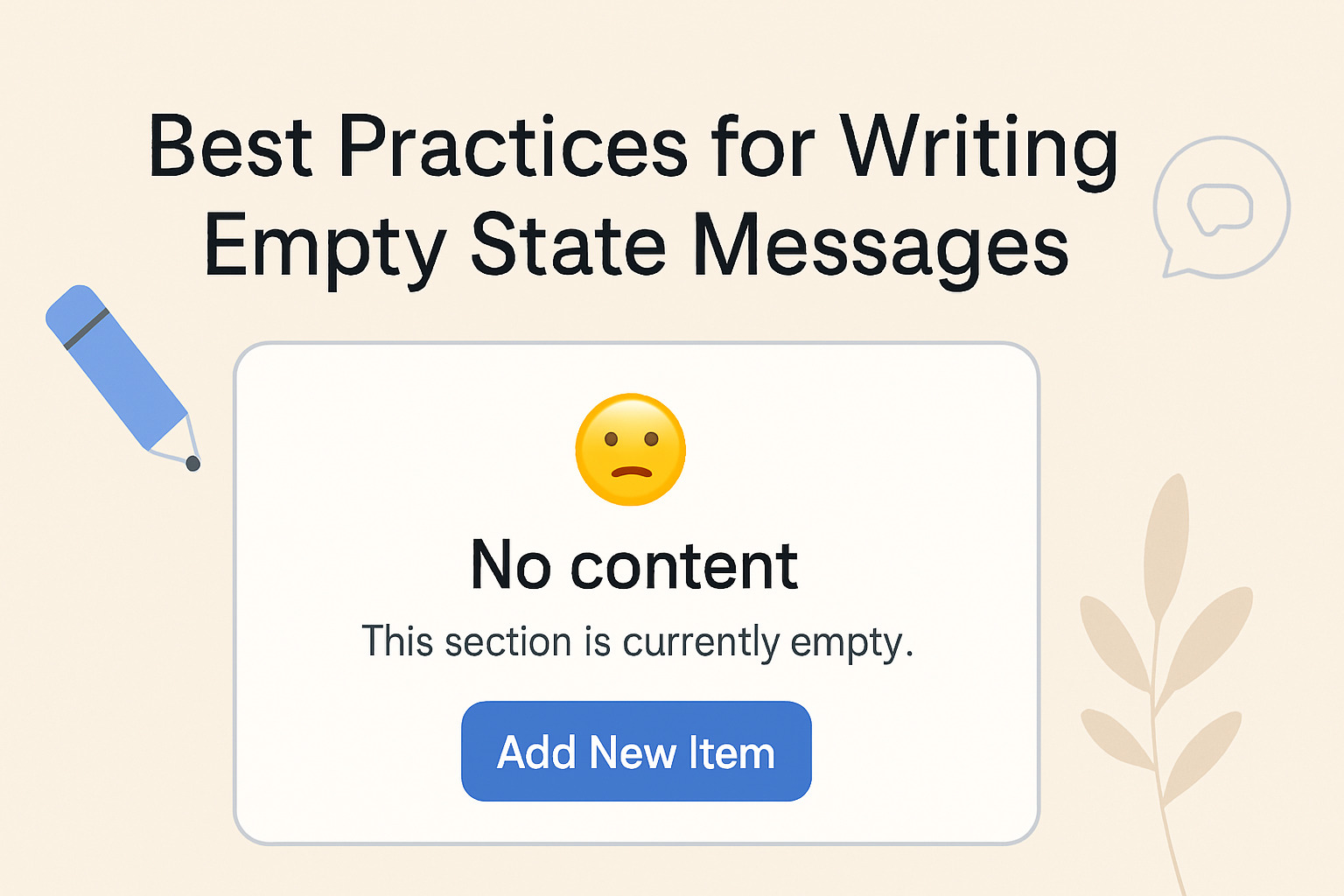
Look for how products handle the moment when a user has not taken an action yet. Empty states are often where weak microcopy hides. A generic “No items found” is easy to spot. More instructive are the examples where a product writes its way into user motivation, explaining not just that nothing is there, but why that matters and what to do about it. Those examples are worth clipping and tagging carefully, because they represent a real design decision about how much the product trusts the user to figure things out alone.
Pay attention to how products handle confirmation language. The difference between “Delete” and “Yes, delete my account” in a destructive action modal is not just a word count difference. It is a trust signal, a clarity decision, and sometimes a legal consideration. Collecting examples of how different products handle this specific moment builds a mini-library within your library. The same goes for the language around permission requests, upgrade nudges, and success messages.
Federal plain language guidelines reinforce what the best product copy already demonstrates: short sentences, active verbs, and direct address almost always outperform abstract or passive phrasing. Seeing those principles reflected consistently across real product walkthroughs is a useful reminder that strong microcopy and accessible writing are not separate disciplines. They are the same intention applied to different surfaces.
How Your Library Feeds Templates and Brand Voice
A reference library is only as useful as the habits it creates. The goal is not to build a swipe file for copying text verbatim. It is to train your pattern recognition so that when you sit down to write a new confirmation message or a first-run tooltip, you are drawing on studied examples rather than writing from scratch.
This connects directly to template work. When you build a UI text template for empty states, having thirty tagged examples from real products gives you a much more grounded foundation than a blank document. You can see where templates converge, where they diverge, and what the edge cases tend to be. That makes your own templates more realistic and more useful for the designers and developers who will actually fill them in under real project pressure.
Brand voice calibration gets easier too. One of the harder things to explain to a stakeholder is what “warmer” or “more direct” actually means in practice. A small collection of real examples, tagged and sorted by tone, turns that abstract conversation into something concrete. You can point to a product and say, “This is what direct sounds like in an error message. This is what warm sounds like in an onboarding prompt. Where do we want to sit?” That kind of grounded reference changes the conversation from a debate about adjectives to a practical design decision with actual examples behind it.
The library also protects consistency over time. When new team members join or a product expands into new feature territory, a well-tagged reference library means you are not reinventing the voice from memory. You are pulling from a documented, evolving record of considered choices.
From Raw Footage to a Living Language System
A reference library built from product video transcripts is not a one-time project. It gets better with use, not worse. Every time you add a new walkthrough to your research pool, every time you tag a new category or add a note about a pattern shift, the library reflects a more complete picture of how UI language actually works in the world.
The habit is low-friction once you have a workflow in place. Spot an interesting onboarding series, pull the transcript, paste and tag. Twenty minutes of structured research adds months of context to your writing decisions. The return on that time compounds in ways that are hard to measure but easy to feel. You write faster. You argue more confidently. You build templates that hold up under real project pressure instead of collapsing the moment a designer asks why a particular pattern exists.
Over time, that context becomes one of the most durable assets you carry into any new project. Not a finished document, but a living reference that keeps your instincts sharp and your templates grounded in language that real users have already encountered and understood. That is the whole point of studying the wild. Not to copy it, but to learn from it, and to write better because of it.