How to Create Consistent UI Microcopy

An engaging UI is about more than visuals; it is about words that guide the user with clarity and personality. At UIContent.co we help designers and writers craft microcopy that feels seamless across products and platforms. This guide dives into creating a consistent UI microcopy system that scales from onboarding to seasonal messages. You will learn templates, governance, and practical tips you can apply today to strengthen your product’s voice and user experience.
Why consistency matters in UI microcopy
Consistency in UI copy is not a nice to have. It is a core component of usability and trust. When users encounter familiar phrases and patterns, they move through your product more confidently. Inconsistent language can create friction, slow task completion, and erode brand credibility.
Key reasons to invest in consistent microcopy:
– Reduces cognitive load by using predictable terms and patterns
– Improves task completion rates and user satisfaction
– Builds a recognizable brand voice that users can rely on
– Speeds up design and content handoff through reusable patterns
– Lowers support costs by providing concise and clear messaging
Core principles of consistent UI microcopy
To make microcopy work at scale you need a set of guiding principles. Use these as your north star when writing, editing, and reviewing copy.
- Clarity first: prioritize plain language and remove ambiguity
- Brevity with impact: say what you must and nothing extra
- Consistent terminology: reuse the same words for the same concepts
- Transparent tone: align tone with the product and audience
- Grammar and punctuation consistency: follow a strict style guide
- Accessibility: write copy that works with screen readers and supports all users
Terminology governance
Create a terminology dictionary that codifies how you refer to common concepts such as accounts, profiles, teams, permissions, and actions like publish or save. This acts as a single source of truth for every writer and designer in your team.
Tone and voice framework
Develop a simple mapping that explains how voice varies by context (system messages vs onboarding vs congratulatory screens) while preserving core brand personality. For example, onboarding may be warm and encouraging, while error messages stay calm and direct.
Punctuation and capitalization standards
Define rules for sentence case versus title case, when to use serial commas, and how to handle brand names and product terms. A consistent punctuation system reduces stylistic drift during rapid content production.
Build a microcopy system that scales
A scalable microcopy system includes templates, a shared style guide, and a way to integrate copy into design files and product code.
Create a UI text template library
Templates are reusable blocks of copy designed for common UI moments. Build templates for these areas:
– Onboarding copy blocks (welcome messages, permission requests, first run tips)
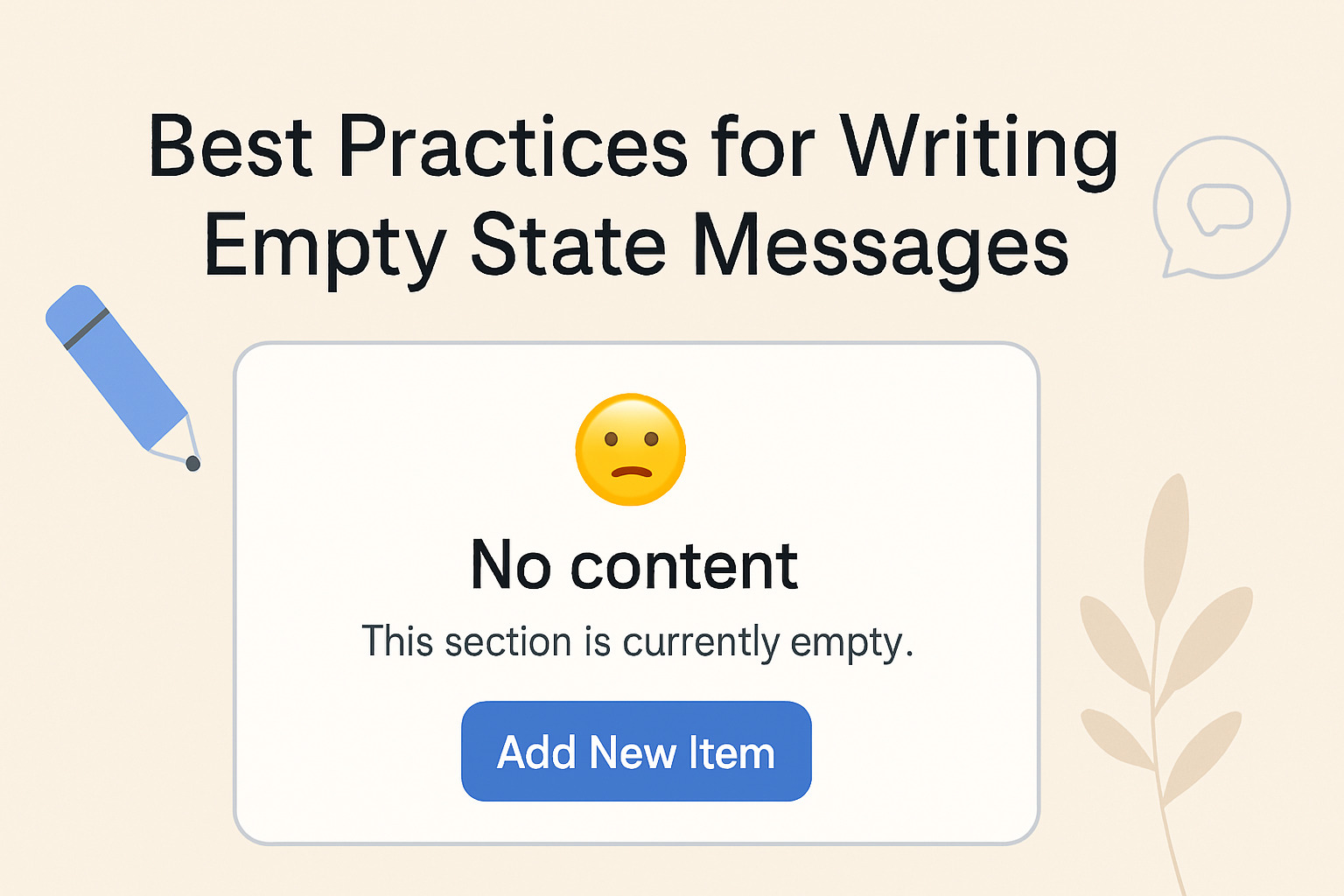
– Empty and error states (empty inbox, no results found, 404 pages)
– Form copy (field labels, helper text, error messages, success confirmations)
– Buttons and CTAs (label guidelines, action naming)
– Notifications and micro interactions (toast messages, in-app prompts)
– Help and support prompts (tooltips, help center links)
Each template should include:
– Purpose: what user task this copy supports
– Context: where it appears and what user action leads to it
– Core message: the fixed copy with placeholders if needed
– Variants: short alternative phrasings for tone experiments
– Accessibility notes: ARIA labels, screen reader friendly phrasing
Establish a style guide for UI copy
A central style guide keeps your language consistent across teams. Include sections for:
– Voice and tone descriptions
– Terminology dictionary
– Grammatical rules and preferred constructions
– Punctuation rules and capitalization
– Formatting guidelines (lists, code blocks, inline code)
– Localization and cultural considerations
Integrate into design tools
Link your copy library to Figma content systems and other design tools. This can include:
– Copy blocks embedded in components as text layers that can be swapped per variant
– Linked content tokens for terminology and phrasing
– A versioned copy history attached to each component
– In-app annotations for writers and product managers during handoff
Versioning and governance
Implement a simple governance process:
– A single source of truth for copy blocks
– Version control for major changes
– Review workflows that involve writers, designers, and product owners
– A change log that explains why updates were made and when
Onboarding copy that guides and delights
Onboarding is where a strong microcopy system earns its keep. Clear onboarding reduces friction, increases activation, and sets a positive tone for the entire product journey.
Key onboarding stages
- Welcome and account setup
- Permissions and preferences
- First task or tour
- Progress nudges and next steps
- Completion and confirmation
Examples of effective onboarding copy patterns
- Warm welcome with a visible benefit
- Clear permission requests with practical reasons
- Short tours that show value and invite users to continue
- Gentle nudges that avoid overwhelming new users
Onboarding copy templates
- Welcome message template:
“Welcome to [Product]. Let us tailor your experience. Ready to get started?” - Permission request template:
“We need [permission] to help you [benefit]. You can change this anytime in Settings.” - First task guide:
“Your first step is to [action]. You will see tips as you go.”
404 and empty state copy that reduces drop offs
When users land on a missing page or an empty state, copy should reassure and guide them toward a next action.
Best practices for 404 pages
- Acknowledge the missing page
- Offer a clear path back to core tasks
- Include a search or navigation hint
- Maintain a friendly, light tone aligned with brand voice
Examples for common scenarios
- 404 page copy: “We cant seem to find the page you asked for. Let us show you something you might like next.”
- Empty state copy: “Nothing here yet. Explore popular topics or start a new project to begin.”
Empty state copy templates
- Content not found:
“There is nothing here yet. Try a different search or go back to the dashboard.” - Empty list:
“Your list is empty. Add items to get started or import from another tool.”
Form validation and error messaging
Form messages are high impact because they appear during moments of decision. Good error copy helps users recover quickly.
Best practices for error messages
- Be specific about the issue
- Explain how to fix with concrete steps
- Place the user in control and provide a path forward
- Avoid blaming language and keep a calm tone
Inline validation vs toast messages
- Inline validation: immediate feedback next to the field
- Toast messages: for non blocking or context wide issues
- Use consistent positions and colors to convey severity
Copy patterns for validation
- Required field: “This field is required”
- Invalid format: “Please enter a valid email address”
- Too long: “Maximum 50 characters reached”
- Helper text for correction: “Use numbers only, no spaces”
UX writing across UI components
UI copy touches every corner of a product. Consistency across components reinforces understanding.
Buttons and calls to action
- Use action oriented verbs
- Match the primary button to the main task
- Keep labels short and unambiguous
Labels and placeholders
- Labels should describe the data or action
- Placeholders should not be the only source of guidance
- Avoid mixing label and placeholder text for the same field
Tooltips and hints
- Provide concise explanations
- Use consistent formatting and phrasing
- Tie hints to specific fields or components
Confirmations and success messages
- Confirm actions briefly and clearly
- Offer a next step when appropriate
- Use positive language that reinforces progress
Brand voice and consistency
A strong brand voice gives your product personality while keeping messaging clear.
Voice guidelines
- Decide on core adjectives that describe the brand tone
- Map tone variations by context (system messages vs marketing copy)
- Align with audience expectations and product positioning
Glossary and style rules
- Maintain a controlled glossary of terms
- Set rules for capitalization, numbers, and acronyms
- Define preferred synonyms and alternatives
Tone mapping examples
- System status: calm and confident
- Welcome screens: friendly and encouraging
- Error states: reassuring and helpful
Content templates and patterns
Templates help teams produce consistent copy quickly. They also support localization and future expansion.
Template categories
- Onboarding templates
- Error and validation templates
- Empty state templates
- Success and confirmation templates
- Support and help center prompts
How to use templates in practice
- Start with a base template
- Add product specific language through placeholders
- Localize by swapping out any terms that do not translate well
- Review for accessibility and clarity
Prototype testing and iteration
Testing microcopy during prototyping reveals how users interpret language and where friction occurs.
How to run microcopy tests
- Define the copy variants you want to compare
- Include realistic flows in your prototype
- Observe users as they read and interact with copy
- Collect qualitative feedback on clarity and tone
- Quantify impact with task success and time to complete
A B testing microcopy metrics
- Task success rate
- Time to complete tasks
- Error rate changes
- User satisfaction scores
- Language interpretation consistency
How to collect feedback
- In user interviews ask about understanding and emotion
- Use think aloud methods to capture real time reactions
- Provide a short post test survey focused on copy clarity
Seasonal microcopy and context aware messaging
Seasonal microcopy can delight users and create a cohesive brand experience across campaigns.
Planning seasonal messaging
- Build a seasonal calendar aligned with product releases and holidays
- Prepare copy blocks that can be activated during campaigns
- Localize seasonal messages for different regions
Examples of seasonal microcopy patterns
- Holiday welcome messages that reflect the season
- Launch announcements with a clear call to action
- Limited time offers expressed with urgency but not pressure
Seasonal content planning tips
- Reserve space in your content system for seasonal variants
- Tag seasonal messages to enable quick swapping in design systems
- Ensure accessibility remains intact across variations
Figma content systems and handoff
Figma is a powerful place to manage UI copy when it is integrated with design components and systems.
What to include in a Figma content system
- Text blocks attached to components as copy layers
- Location of copy within the design for quick updates
- Version history for every copy block
- Placeholders and tokens for dynamic content such as user names or dates
- Variants for tone and length constraints
Handoff checklist for writers and designers
- Copy aligns with the style guide
- All copy blocks are connected to the correct components
- Variants exist for tone and length
- Accessibility and readability checks are completed
- Localization notes are included if needed
Practical tips for seamless handoffs
- Use tokens for recurring phrases to reduce drift
- Keep a living glossary attached to the project
- Schedule regular copy reviews during sprint cycles
Handoff checklist
- [ ] Copy aligns with brand voice and style guide
- [ ] Consistent terminology across all blocks
- [ ] Clear error messages with actionable steps
- [ ] Onboarding copy is warm yet concise
- [ ] Empty state and 404 copy ready for use
- [ ] Copy blocks properly linked to components
- [ ] Localization notes prepared if needed
- [ ] Accessibility checks completed
- [ ] Feedback loop established for updates
QA and governance
Quality assurance ensures your microcopy remains consistent as teams scale.
- Run regular copy reviews against a master style guide
- Maintain a change log for copy updates
- Use automated checks to flag deviations in terminology
- Implement a sign off process for major updates
- Encourage feedback from designers, product managers, and support teams
Metrics and optimization
Track metrics to understand how microcopy affects user behavior and outcomes.
Key metrics to monitor:
– Completion rate of tasks and onboarding steps
– Error recovery rates after copy changes
– Time to complete key actions
– User satisfaction and perceived clarity
– Support ticket volume related to copy confusion
How to set up measurement:
– Define success criteria for each copy block
– Use A B tests to compare copy variants
– Collect qualitative feedback through user interviews
– Create dashboards that show copy impact over time
Tools, templates and resources
Leverage a mix of templates, design tokens, and collaborative platforms to maintain consistency.
- Copy templates for onboarding, errors, and empty states
- A shared terminology glossary updated in real time
- Figma libraries with copy blocks attached to components
- A lightweight style guide focused on practical usage
- Localization kits for multilingual products
- Readable, accessible copy guidelines with examples
Case study example: a hypothetical product refresh
Imagine you are refreshing a project management tool. The goal is to unify microcopy across onboarding, 404s, form validation, and notifications while supporting rapid iteration.
Step 1: Establish a single source of truth for terminology. Create a glossary and map terms to UI components.
Step 2: Build a set of templates for onboarding and errors. Include variants for tone options.
Step 3: Integrate copy into Figma components. Attach copy blocks to each element with versioned history.
Step 4: Run prototype tests focusing on copy interpretation. Gather feedback on tone, clarity, and helpfulness.
Step 5: Launch seasonal microcopy blocks for a product release. Tag them for quick swapping in the future.
Step 6: Implement a handoff checklist to ensure changes move smoothly from design to development.
Step 7: Monitor metrics and refine copy based on results and feedback.
This approach helps teams deliver a consistent user experience while maintaining flexibility for localization and future updates.
Practical tips to start today
- Audit your current microcopy to identify inconsistencies
- Create a lightweight terminology dictionary and share it with the team
- Build a starter template library for the most common UI moments
- Start with onboarding and error messages, then expand to empty states and notifications
- Integrate copy into your design system and handoff processes
- Schedule regular copy reviews as part of your product cadence
Why UIContent.co is a resource for your team
UIContent.co offers a practical framework for building and maintaining UI microcopy that scales. Our templates, tips, and integration guidance help designers and writers work together more efficiently. By focusing on a strong content system, teams can deliver consistent language, improve usability, and strengthen brand voice without slowing down product development.
If you are ready to level up your UI text, explore our templates and tips, and start building a scalable microcopy system for onboarding, 404s, forms, and seasonal messaging. With the right structure in place, your UI copy can become a differentiator that guides users smoothly from first touch to lasting engagement.